二、服务器的准备
有了Linux基础之后,就可以上手捣鼓自己的服务器了,目前国内主流云服务器厂商有阿里云,华为云,这里以阿里云为例,进行服务器使用的演示。
首先登录注册阿里云账号,进行实名认证,然后前往这里,领取服务器的试用:
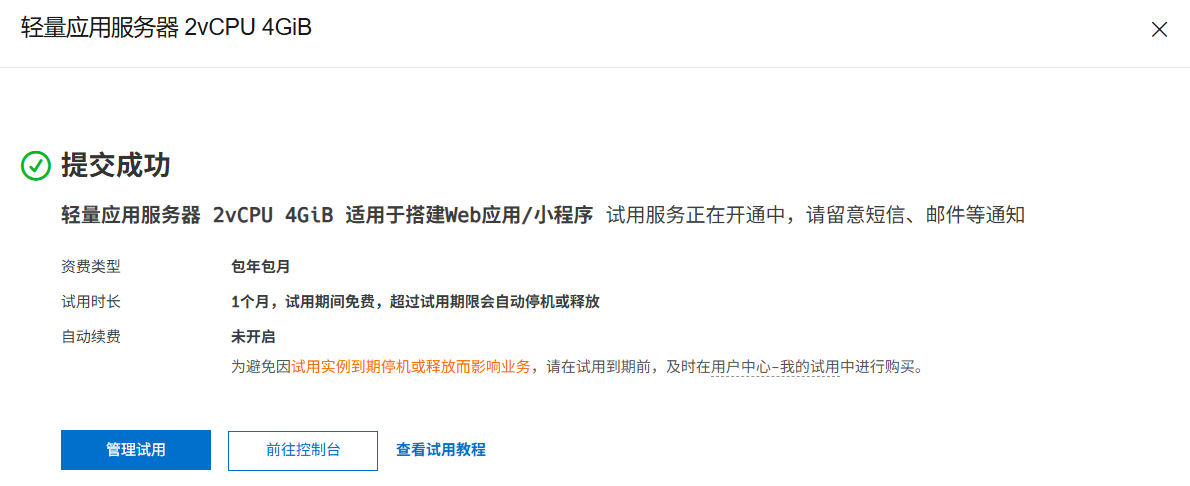
领取阿里云服务器的试用
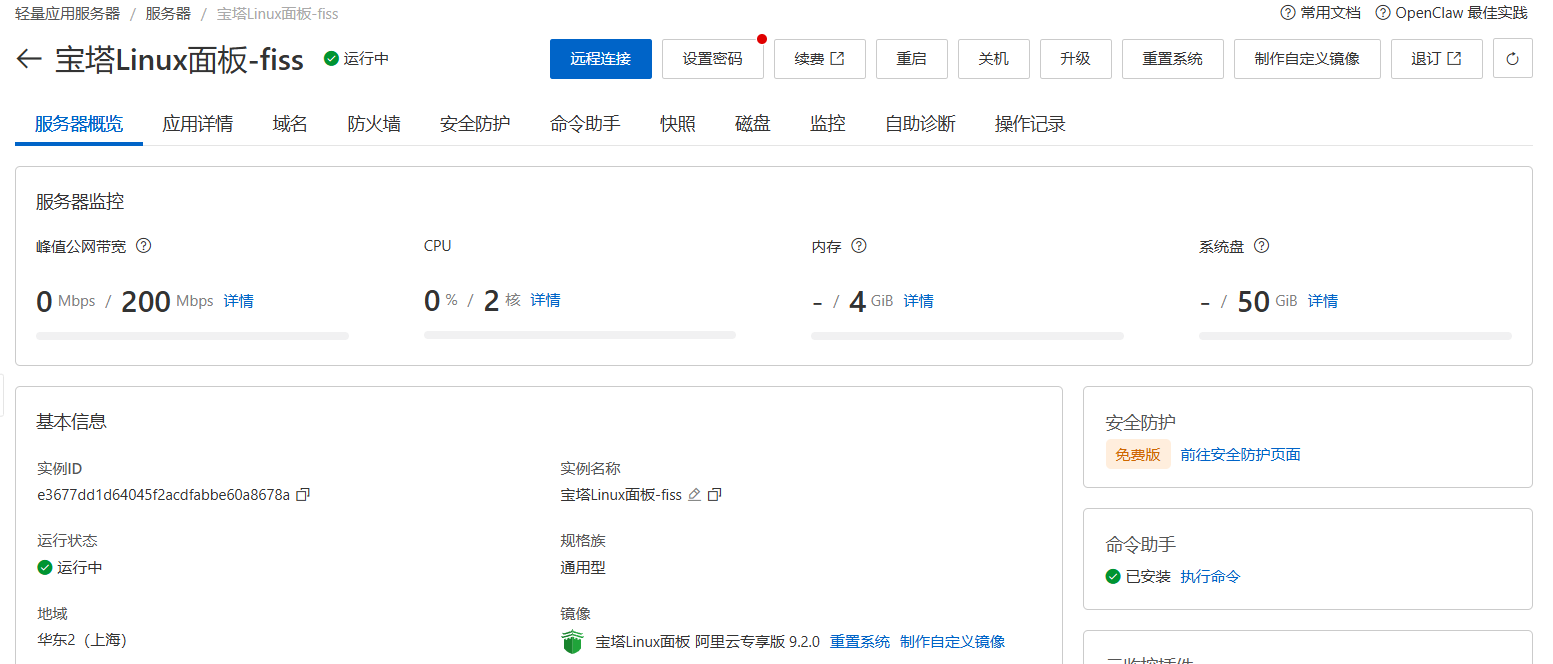
控制台界面
ssh root@76.54.32.1 -p 22
# 第一次登录会显示如下内容:
This key is not known by any other names.
Are you sure you want to continue connecting (yes/no/[fingerprint])? yes # 这里写yes.
root@76.54.32.1's password: # 这里提示你输入你刚才重置的密码,回车.
# 看到如下字段代表登录成功:
Linux hajiminanbeilvdou1314 6.1.0-33-amd64 #1 SMP PREEMPT_DYNAMIC Debian 6.1.133-1 (2025-04-10) x86_64

Welcome to Alibaba Cloud Elastic Compute Service !

root@ hajiminanbeilvdou1314:~#可能会遇到的问题,比如说 ssh 拒绝访问,请参考这里,或者问豆包或我.
登录服务器后,进行以下操作:
软件源的更新
\# apt update && apt upgrade
Get:1 http://mirrors.cloud.aliyuncs.com/debian bookworm InRelease [151 kB]
. . .
Fetched 30.7 MB in 4s (6,850 kB/s)
Reading package lists... Done
Building dependency tree... Done
Reading state information... Done
136 packages can be upgraded. Run 'apt list --upgradable' to see them.
. . .
136 upgraded, 1 newly installed, 0 to remove and 0 not upgraded.
Need to get 210 MB of archives.
After this operation, 410 MB of additional disk space will be used.
Do you want to continue? [Y/n] y # 这里输入 y. 然后回车,等待完成.创建新用户: 生产环境下很多软件和协议都不允许你用root用户进行操作,用root用户可能会很不安全,比如黑客破解了你的后台,直接:
rm -rf /* # 删除你服务器里所有文件.你服务器不炸了吗.
\# adduser chen # 新用户的名称可以随便起.
Adding user chen ...
Adding new group chen (1001) ...
Adding new user chen (1001) with group chen (1001) ...
Creating home directory /home/chen ...
Copying files from /etc/skel ...
New password: # 这里输入你为新用户设置的密码.
Retype new password: # 确认密码.
passwd: password updated successfully
Changing the user information for chen
Enter the new value, or press ENTER for the default
        Full Name []: # 这4行[]全部按回车.
        Room Number []:
        Work Phone []:
        Home Phone []:
        Other []:
Is the information correct? [Y/n] y # 输入 y.
Adding new user `chen' to supplemental / extra groups `users' ...
Adding user `chen' to group `users' ...
# 创建用户成功

root\# su chen # su + 用户名 是切换用户.
chen@hajiminanbeilvdou1314:/root$ # 发现这里第一个符号从 # 变为了 $, @前面的用户也从 root 变为了 chen, 一般认为#代表root用户,$为普通用户.将新用户升级为sudo用户: sudo是一个用户组,组里的用户有和root差不多的权限(我是这么理解的),只不过执行root权限的时候要输入密码,比如:.
不要尝试删除 !!!!
chen$ sudo rm -rf /*
chen's passwd: # 输入密码后才能删.
root# rm -rf /* # 直接删.\$ su root # 切换为root用户.
Password:
\# adduser chen sudo # 将用户 chen 加到 sudo 组中.
Adding user `chen' to group `sudo' ...
Done.
\# su chen
\$ sudo -l -U chen
[sudo] password for chen:
Matching Defaults entries for chen on hajiminanbeilvdou1314:
env_reset, mail_badpass, secure_path=/usr/local/sbin\:/usr/local/bin\:/usr/sbin\:/usr/bin\:/sbin\:/bin, use_pty
User chen may run the following commands on hajiminanbeilvdou1314:
(ALL : ALL) ALL # 出现 这一行代表成功.